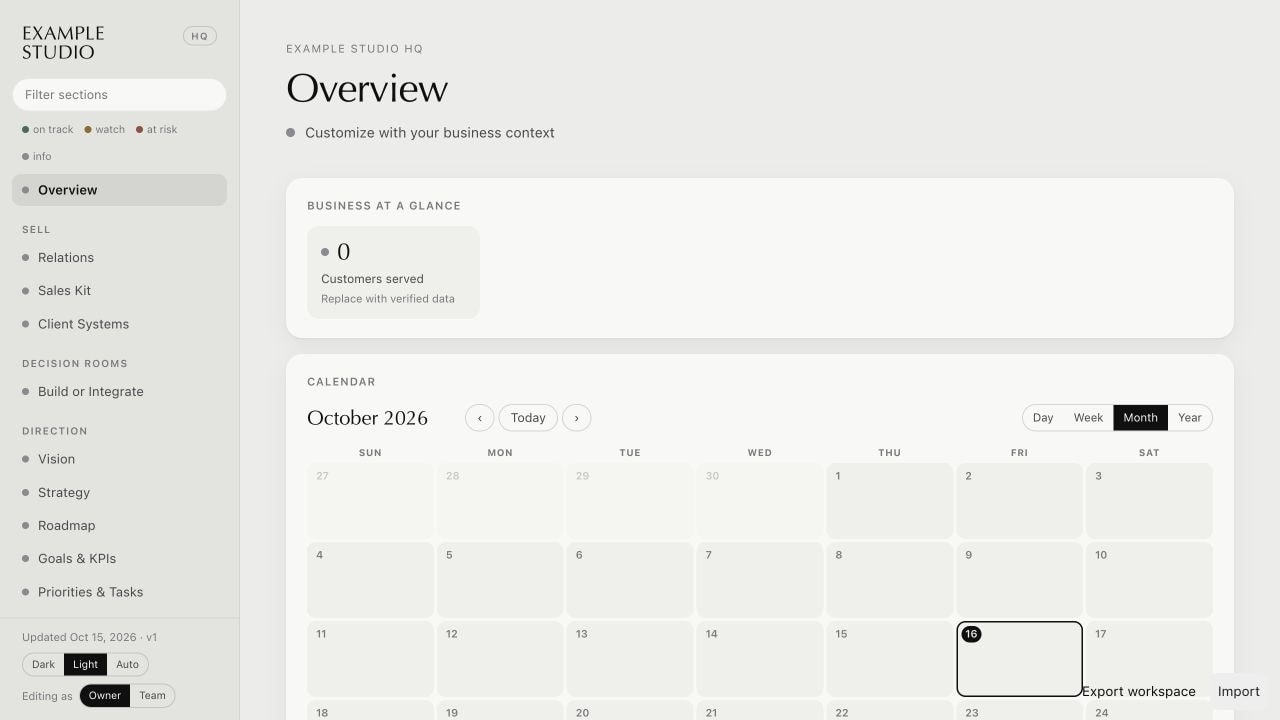
Your work is scattered across too many tools, and you can’t find what you need.
Spend less time
managing your tools.
Get the tools I built for my business
and customize them with your AI.
The collection
11 systems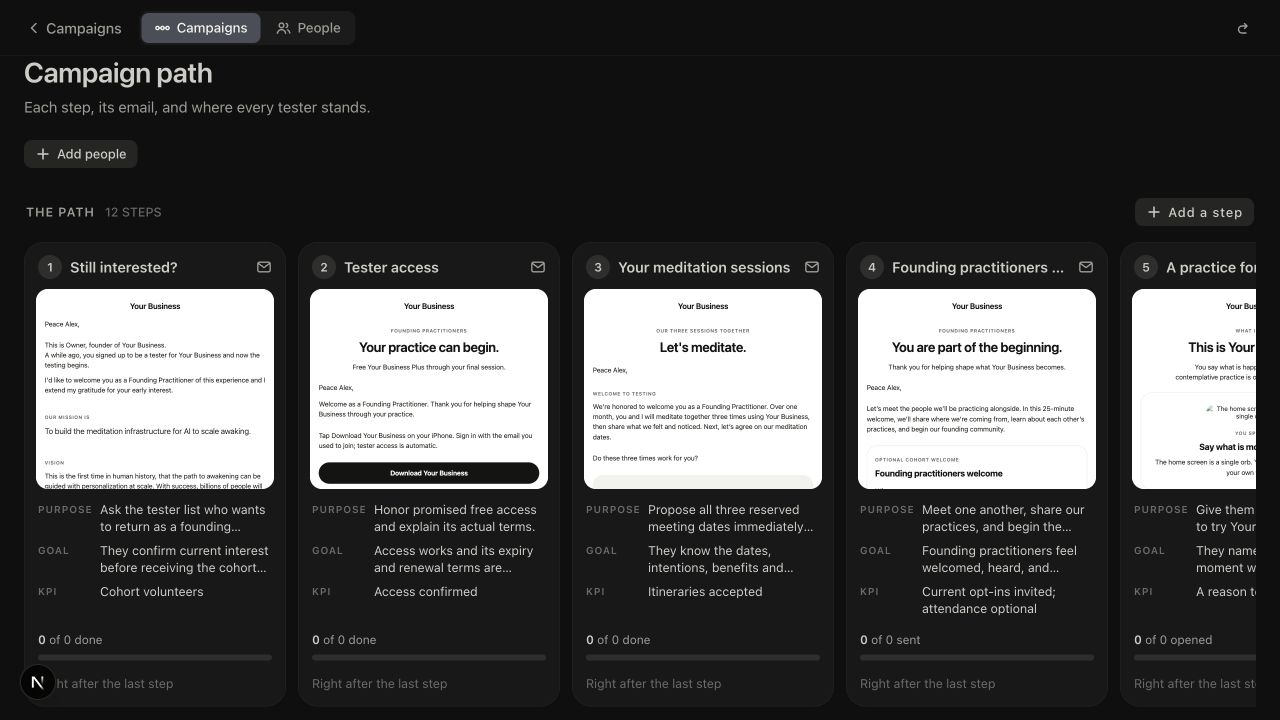
People join your waitlist, but getting them to try your app and share feedback takes constant follow-up.
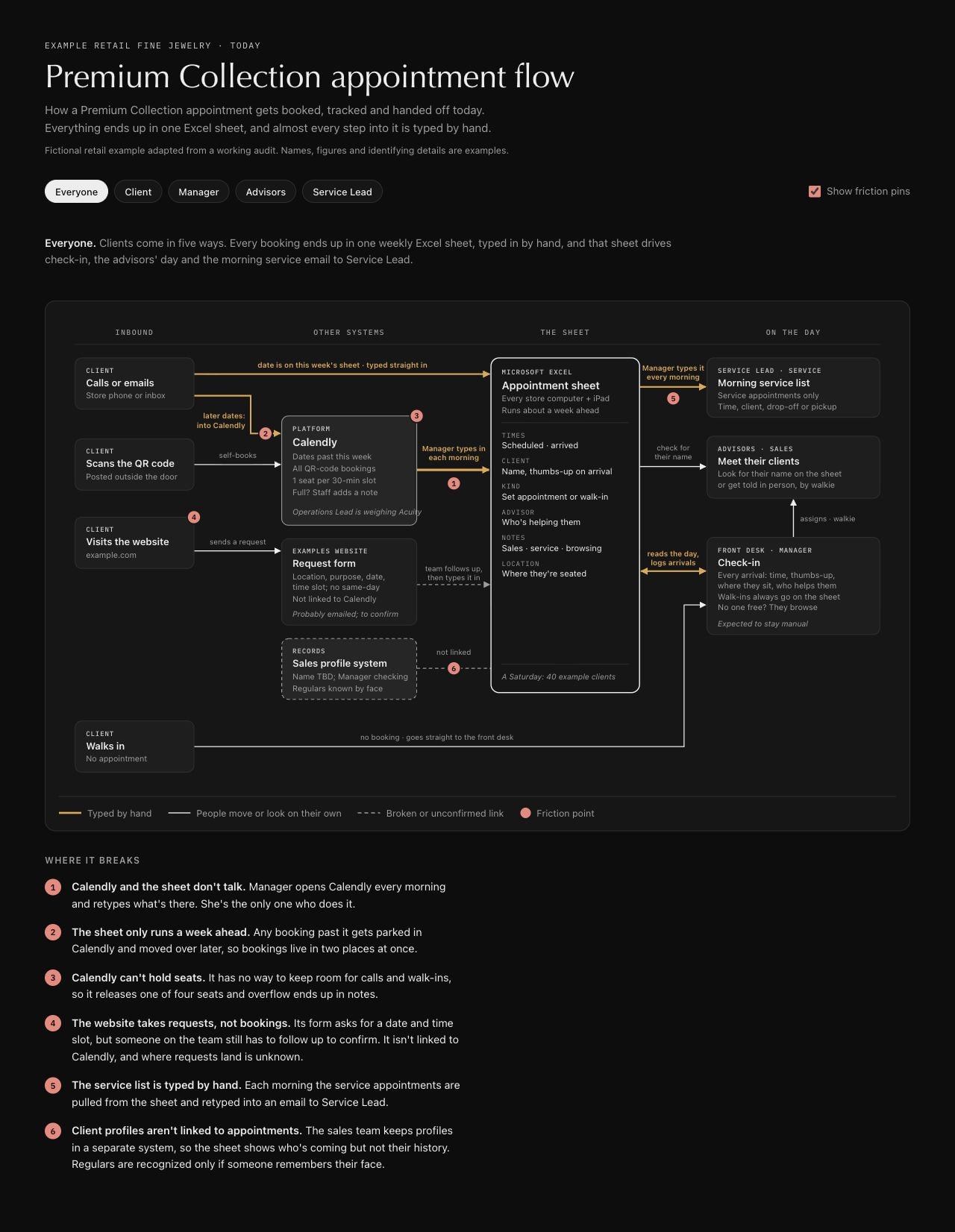
You spend too much time moving information between tools and chasing updates.
Your AI-built app feels cluttered, and your customers can’t tell what to do next.
You’re unsure whether your AI-built app keeps customer data separate or handles changes safely.
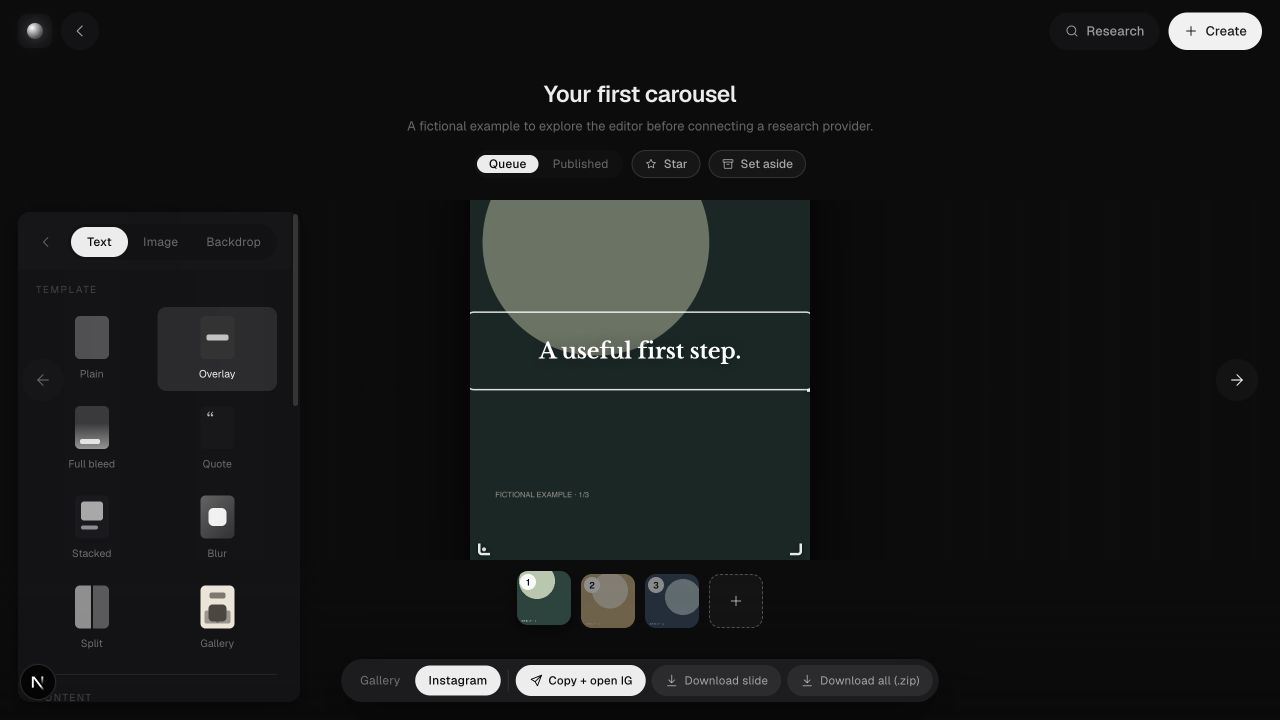
Research and slide design take up the time you wanted to spend sharing your ideas.
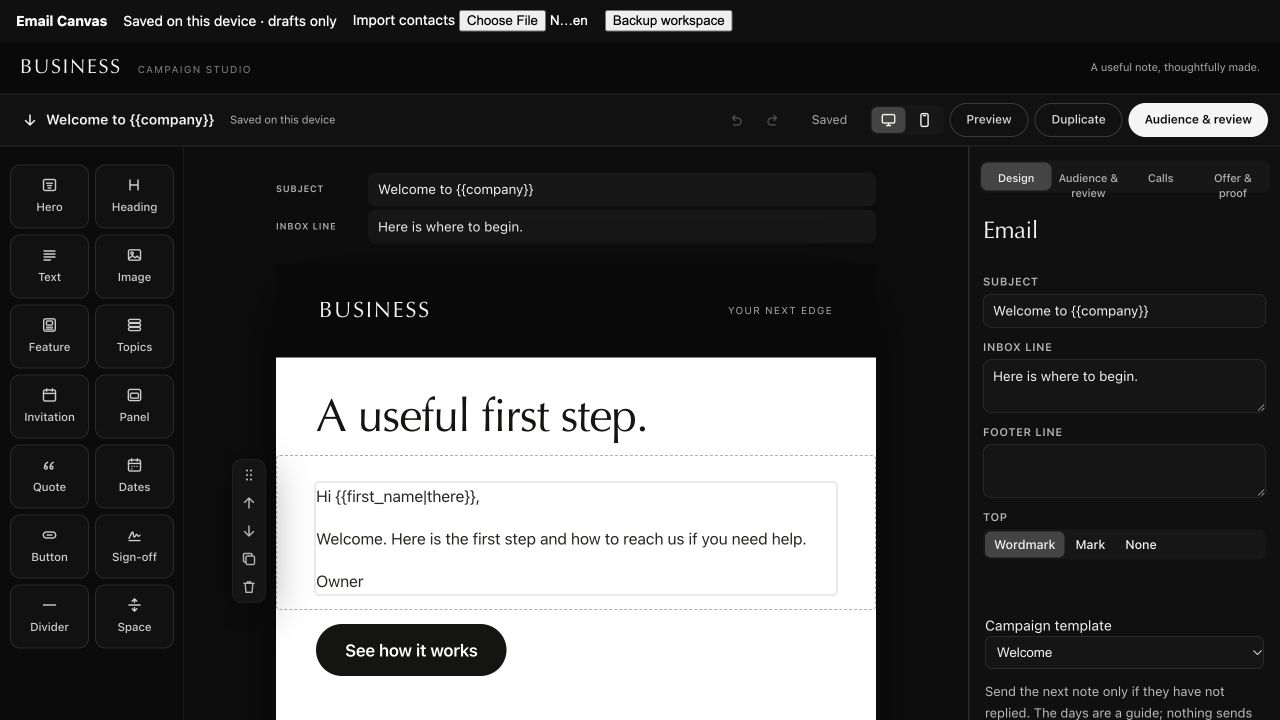
You spend too long designing emails and adapting them for each person.
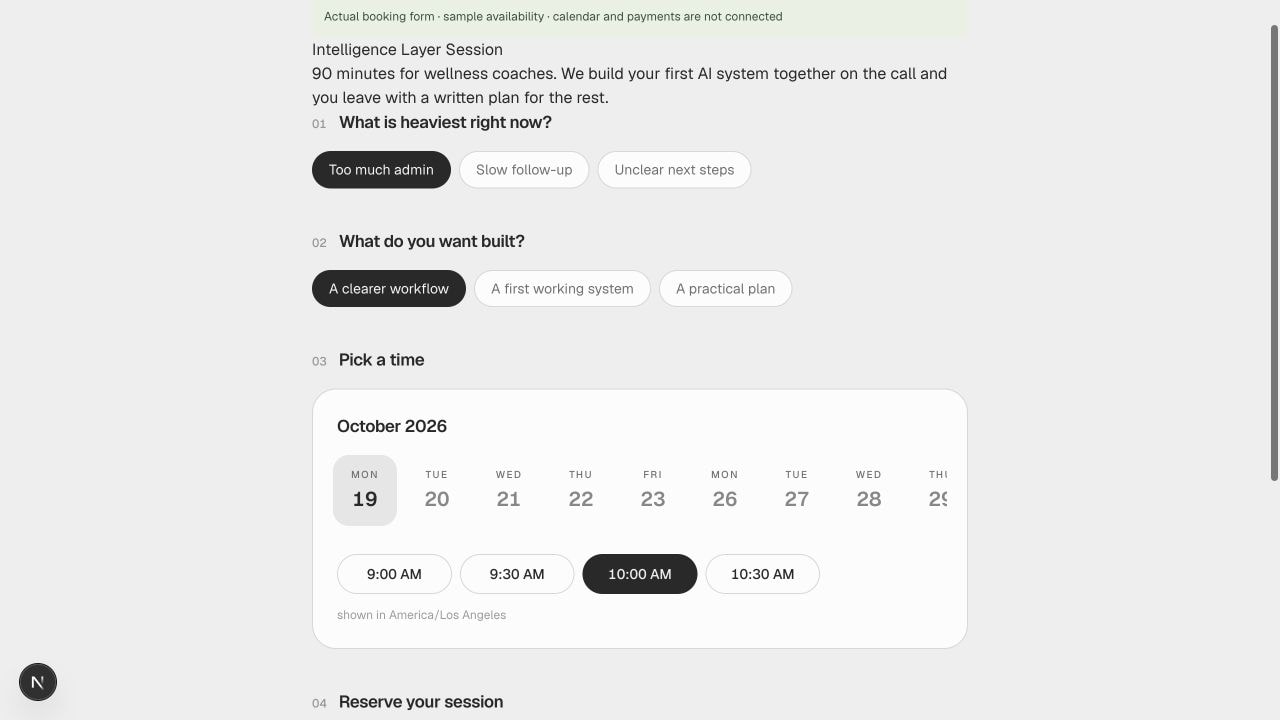
Booking a time and collecting payment takes more back-and-forth than it should.
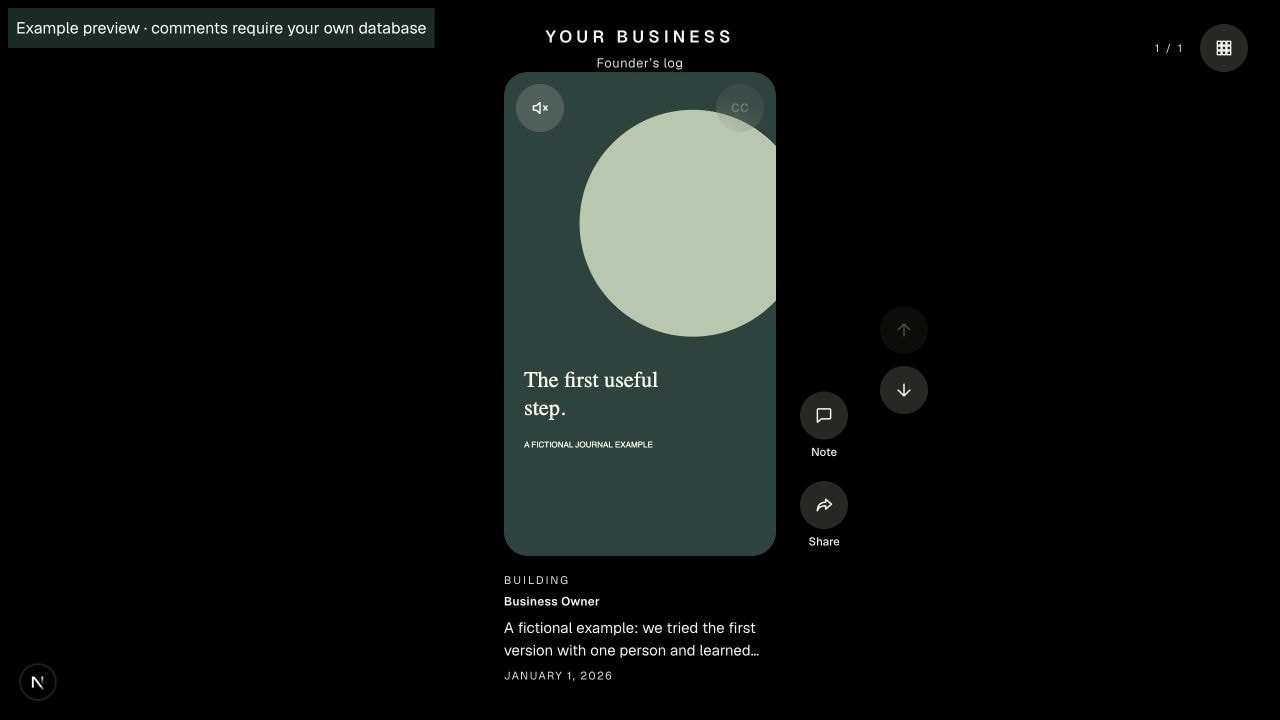
Your photos and progress notes never make it from your camera roll to your audience.
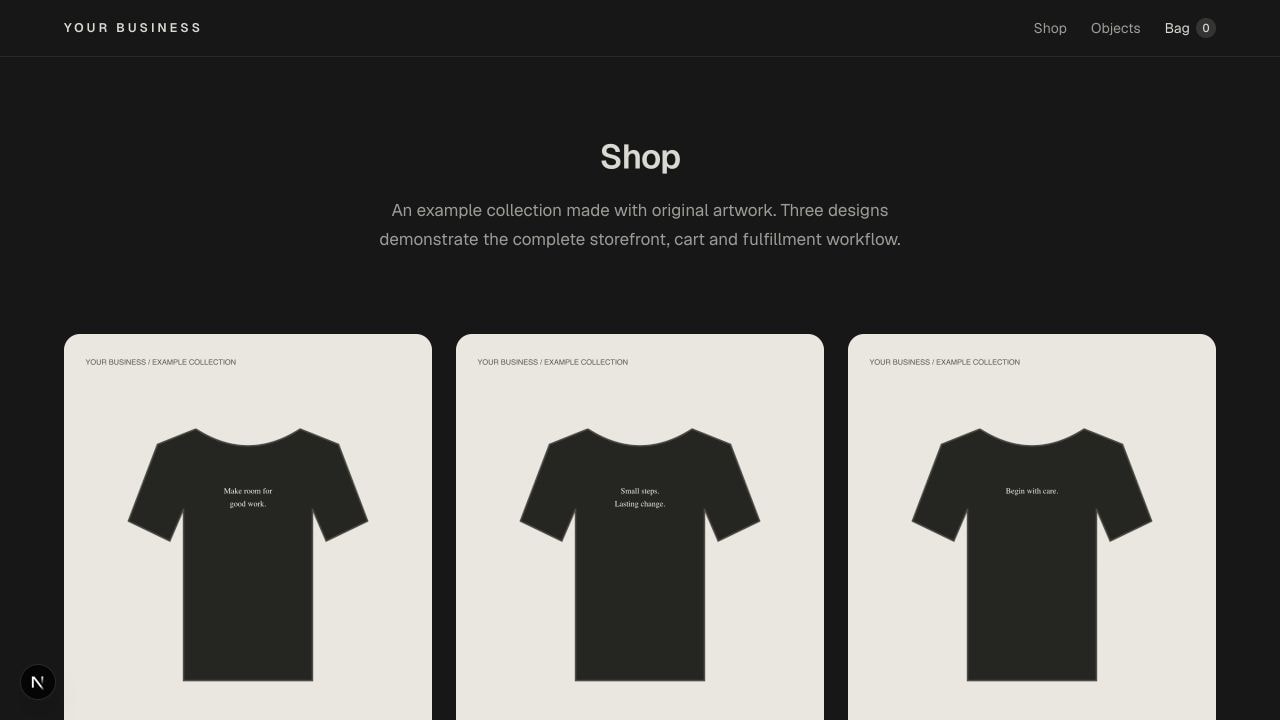
Passing orders to a printer by hand takes time and makes mistakes easier.
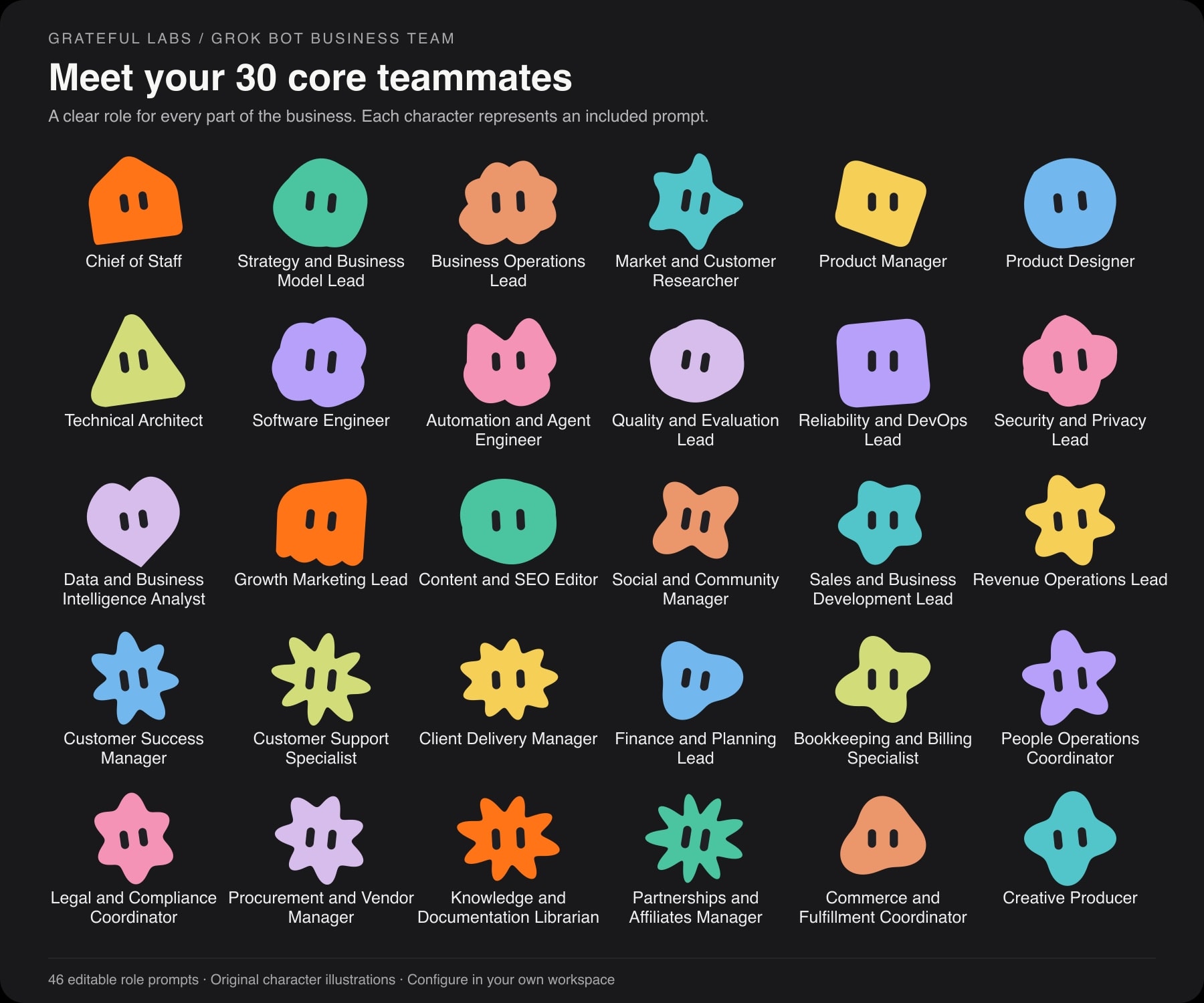
You keep explaining the same business context to AI, and work gets lost between conversations.
Built from experience working with AI.
6,000Technologist
Technologist
entrepreneurs served.
Through Domenic’s AI teaching and work with entrepreneurs.
From a creative partner to
 Meta
Meta
 Instagram
Give it to the AI you use, and it’ll know what to do.
 ChatGPT
 Claude
The included guide explains setup and customization. App kits need an AI coding assistant.
100M+Followers across
Followers across
the creator network.
Through creative collaboration with Sentient ↗. This is the network’s combined audience.
“I really learned a lot from Domenic Ashburn, especially about authenticity and core values, which deeply resonated with me.”
11Systems ready
Systems ready
to make your own.
12Steps from waitlist
Steps from waitlist
to useful feedback.
An editable journey for invitations, access, reminders, and interviews. Meet The Tester Loop ↗
14Reusable blocks
Reusable blocks
for your emails.
Reusable blocks for branded emails you can edit and export. Open Email Canvas ↗
∞Businesses and client
Businesses and client
projects you can build.
Customize systems for paid client work without reselling the kits. See the license ↗
Make these tools
work for your business.
Your AI can help you customize the files you buy.
- 01
Choose a tool
Find the one that makes your work easier.
- 02
Give the files to your AI
Download the files and open the start guide with your assistant.
- 03
Customize it for your business
Add your brand, connect your tools, and test it. The files are yours to keep.
I built these to make
my own work easier.
They help me keep track of my business, follow up with people, and create content without repeating the same work.
Domenic Ashburn ↗What you might want to know
What do I get?
Editable files, examples, and a guide for your AI. App kits include the source code. Instruction kits include the rules and checklists.
Can I use these for clients?
Yes—for any number of your businesses and client projects. You can deliver customized work to clients. You can’t resell or redistribute the kit itself.
Does it work with my AI?
ChatGPT and Claude can read the instruction files. To customize and run the apps, use an AI coding assistant with access to your project.
Will my AI know my business?
You share your business context and connect the tools you want to use. The guide helps your AI ask for what’s missing.
Is there a subscription?
No subscription for the kit. Keep the version you buy for life. AI, hosting, and other services may cost extra. Future releases and ongoing support aren’t included.
Do I need to code?
The instruction kits need no coding. App kits need setup and testing with an AI coding assistant or developer. Each product lists what you’ll need.